
Play Online with the Spin and Win App
The Spin and Win Online mobile app is fully compatible with both Android and iOS devices, ensuring you have full access to our massive library of over 2500 games from anywhere. Our app is a PWA that requires no download and offers optimal data usage. The interface is intuitive and arranges games in categories like Slots, New Games, Jackpot King, Slingo, Megaways and Jackpots.
It is legal to use because it is recognised by the Great Britain Gambling Commission (licence number 57924). The table below indicates critical details about our mobile version.
| Feature | Details | UK Relevance |
|---|---|---|
| Platform | Android and iOS | Compatible |
| Download Size | No storage space required | Reasonable |
| Games Available | 2500+ | 4/5 |
| Minimum deposit | 10 GBP | Accessible |
| Payment Methods | 6+ options including Apple Pay | 3/5 |
| Support | Email support | Available |
This page will explain the Spin and Win mobile app, including its features and how to download it on your device.
Download the Spin and Win App in Minutes
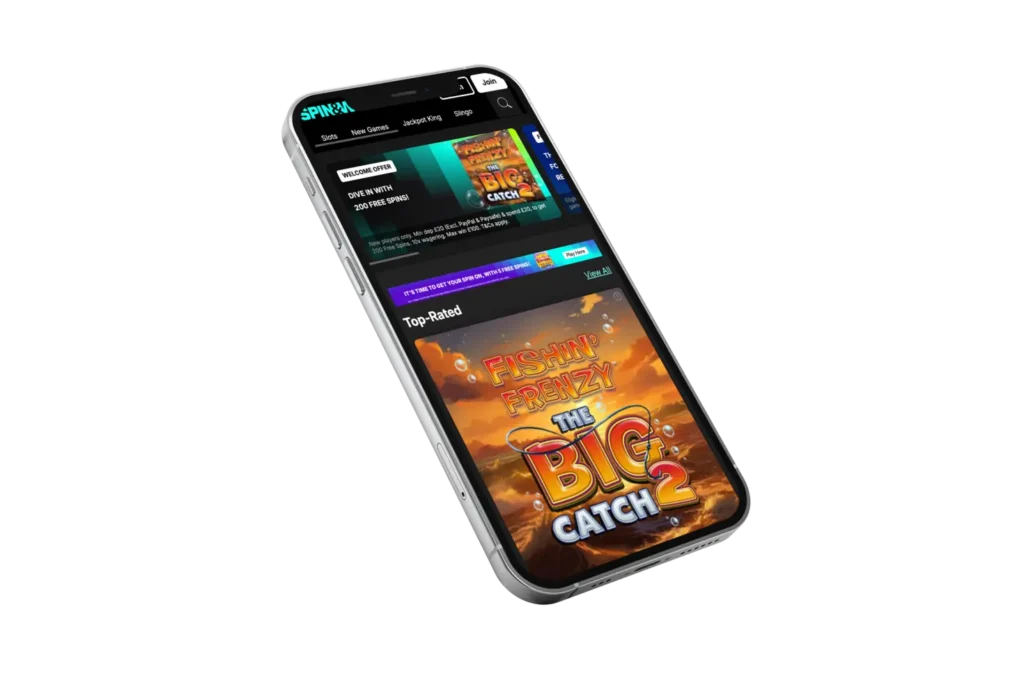
We do not have a native Spin and Win mobile app; our platform uses a PWA, which is much easier to download on all mobile devices.
- Go to the homepage: Launch the official link using your mobile browser and open the homepage.
- Permissions: Unlike mobile apps that may ask for permission to install from ‘unknown sources’ (Android) or require you to ‘Trust’ the developer (iOS) during installation, our app’s shortcut does not require such strenuous procedures.
- Troubleshooting: If you start to notice any form of stalling when using the app, simply check your internet connection and reconnect.
Android Complete Setup Instructions
Android users can ensure the full features of our app without having to download bulky Spin and Win APK files. Simply follow this step-by-step guide:
- Access the Menu: Click on the three vertical dots at the top right corner of your browser.
- Install App: Click on the ‘Add to Home screen’ from the dropdown menu.
- Confirm: Tap ‘Add’ and wait for our shortcut to be included in your app drawer.
- Place Your Bets: You can now open the Spin and Win mobile app and proceed to complete our login process to start your gaming session instantly.
How to Install the App on Your iPhone
iOS users are not left out of the Spin and Win download process. As an iOS user, you can get the PWA version in seconds on your iPhone or iPad and turn it into a portable casino.
- Tap Share: Click the ‘Share’ icon (the square with an arrow) at the bottom of the screen.
- Add to Home Screen: Scroll down until you find ‘Add to Home Screen.’ And then click on it.
- Name and Add: Name the folder and then tap ‘Add’ in the top right corner. The icon will now appear alongside your other apps.
- Start Playing: You can now log in to Spin and Win mobile by tapping the icon and browsing our library. To place a bet, simply select a game, set your stake and tap ‘Spin’ or ‘Deal.’
Play Anywhere with Our PWA Platform
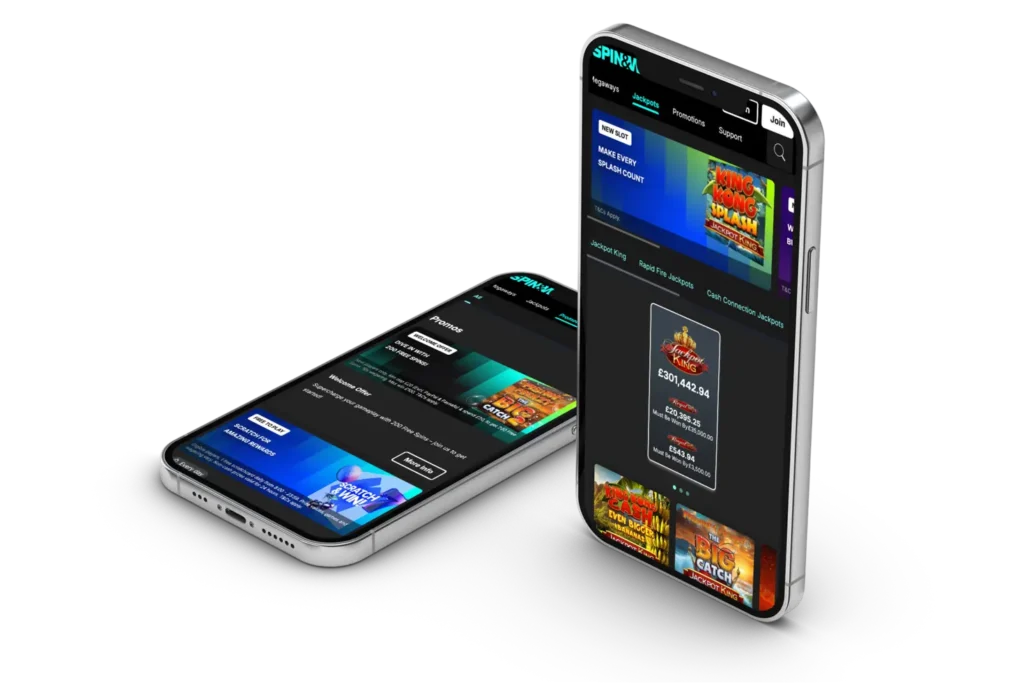
Due to the distinguished and unique features of our SpinAndWin app, most of our users now prefer it over traditional downloads and for good reasons. It’s a modern solution that offers several distinct advantages:
- No Storage Woes: It does not take up large space like a native app.
- Instant Updates: It gets updated automatically every time you open it, so no need for updates and delays.
- Universal Compatibility: It works perfectly on any phone brand or model, once it meets the recommended operating system.
- Privacy: Fewer system permissions are required to be compared to traditional apps.
Troubleshooting Guide for Spin and Win Mobile
Here are some common issues and how to solve them when you encounter them at Spin and Win mobile.
- App Won’t Open: Clear your browser cache and restart your device.
- Login Issues: Ensure your Caps Lock is off and check your internet connection.
- Game Freezing: Close other background apps to free up your phone’s RAM.
- Update Required: Refresh the page to ensure the app has loaded the latest data.
Features and Navigation Overview
The Spin and Win app review shows its interface is built for speed and clarity. We’ve organised everything so you can find your preferred titles in seconds. The table below shows some of our site features and their description.
| Features of Spin and Win mobile | Description |
|---|---|
| Search Bar | Instantly find any of our 1,000+ games by title. |
| Quick Deposit | Enjoy fast deposits using Debit cards, Apple Pay, PayPal or Paysafecard. Payments will appear on your statement as ‘SPINANDWIN’ or ‘RANK INTERACTIVE’. |
| Game Filters | Sort games by provider, theme or jackpot type. |
Boost Your Winnings with SpinAndWin App Bonuses
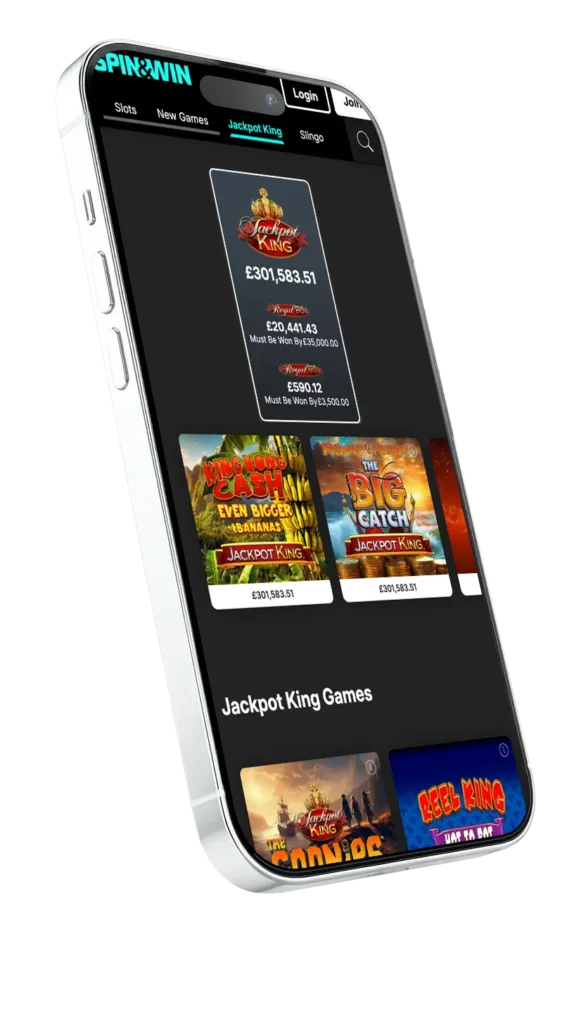
When you use our mobile platform, you have full access to all our promos. We make sure our mobile users never miss out on a promotion.
- Welcome Bonus: We offer 200 Spin and Win mobile free spins when you deposit and stake your first 20 GBP (Max win 2,000 GBP) on Fishin’ Frenzy The Big Catch 2. However, deposits made through PayPal and Paysafe will not be qualified and spins expire after 7 days.
- Daily Scratchcard: Log in between 08:00 and 23:59 to claim a free daily scratchcard and stand a chance to win prizes like Free Spins, Slingo Bonuses, Cash and Prize Draw Ticket, when you get three matching cards.
- Drop and Win Tournament: Get a chance in the 25 million GBP pool prize, a weekly drop up to 350,000 GBP across 96,900 prizes in the best multiplayer and free spins. Also, up to 200,000 GBP daily across 500 prizes.
- 40k GBP Cash Drops Tournaments: Join the 40k GBP cash drops tournament directly from your smartphone, with a weekly pool of 5,000 GBP. This includes a 3,500 GBP leaderboard prize and a 1,500 GBP random cash prize.
Choosing Between App vs Desktop Version
Both Spin and Win mobile versions offer the same high level of security and game variety, but they suit different styles of play.
| PWA | Desktop Version |
|---|---|
| Portability Play anywhere, anytime | Fixed to your home setup |
| Screen Size: Compact and touch-optimised | Large, immersive HD view |
| Login Speed Biometric / Remember Me access | Manual entry is usually required |
| Fast, easy to access and lightweight | Idea for multitasking with multiple tabs |
| Smaller visuals | Not portable |
App Settings and Alerts
You are in total control of your experience with the Spin and Win app. To manage notifications, go to your account settings and toggle ‘Push Alerts’ on or off. This ensures you only hear about the promos you want. You can also customise in-app controls like sound effects and ‘Quick Spin’ settings within each individual game menu.
Privacy and Security at Spin and Win Mobile
Our Spin and Win mobile interface operates using P128 SSL digital encryption to scramble your data. This is one of the most secure systems currently used by online casinos across the world, which makes it impossible for third parties to gain access to your account. We also conduct KYC (Know Your Customer) and strictly follow AML (Anti-Money Laundering) protocols to ensure a clean, legal environment for everyone. We do not accept credit cards and our payment partners like Worldpay have their own separate security layers, providing double protection for every transaction you make.